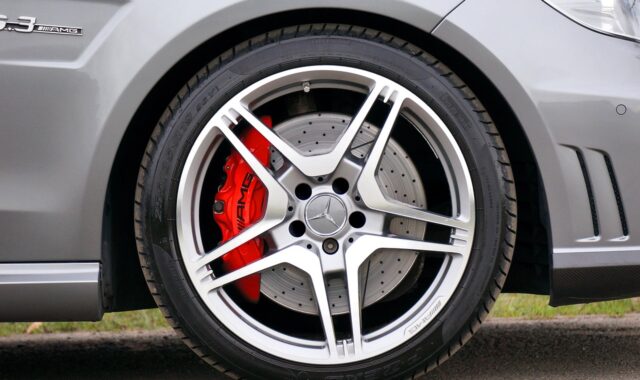
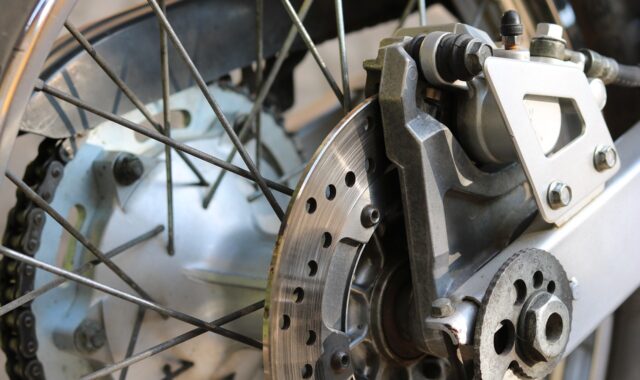
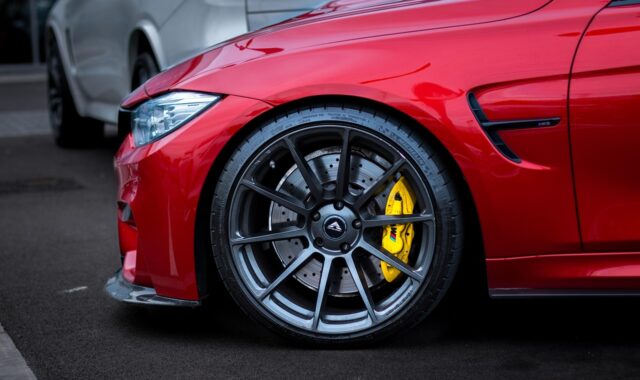
Rear brakes and rotors guide for signs, inspection, and replacement decisions
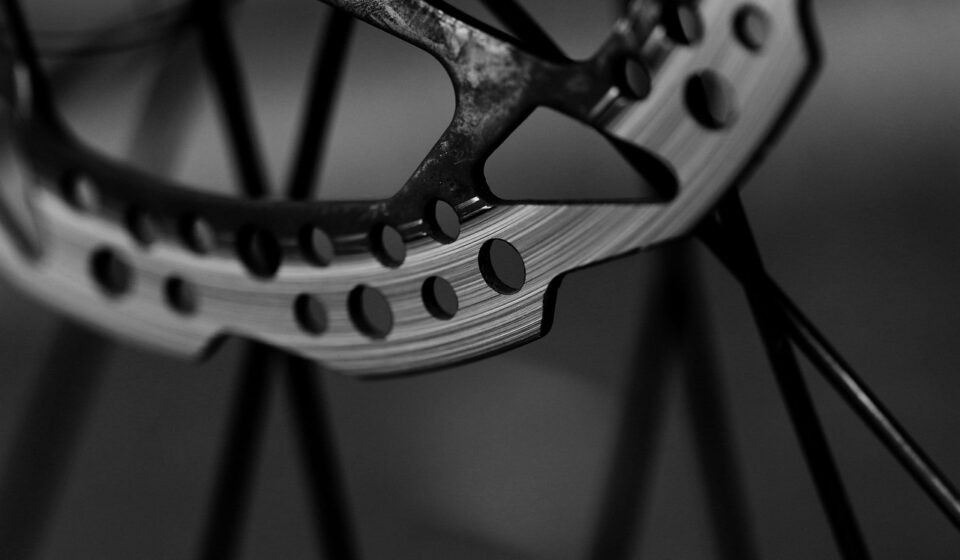
What rear brakes and rotors do
Rear brakes and rotors convert vehicle motion into heat so the vehicle can slow down in a controlled, stable way. During a hard stop, the rear brakes usually do less total work than the front brakes, but they still affect stability, parking brake performance, electronic brake-force distribution, and overall stopping confidence. When rear brake pads, rotors, calipers, or parking brake mechanisms wear unevenly, the symptoms may be quieter than front brake problems. The service decision can still be just as important.
Sound alone is not a reliable way to decide whether rear brakes need service. A proper inspection compares pad thickness, rotor thickness, rotor surface condition, caliper movement, hardware condition, and any electronic parking brake requirements with the vehicle maker’s service information. ASE brake training materials and public brake-related guidance from NHTSA point to the same service principle: brake components should not be reused below their minimum specification.
For more braking and suspension topics, visit the braking and chassis section.
Common signs of rear brake and rotor wear
Rear brake wear can appear in several ways. Some signs are obvious, such as grinding. Others are easy to confuse with tire, suspension, or front brake issues. Because the rear axle often contributes less braking force in normal driving, rear brake problems may develop gradually and go unnoticed until an inspection or warning light draws attention to them.
- Squealing or chirping: This may come from a mechanical wear indicator, a glazed pad surface, vibration between the pad and hardware, or contamination. It does not automatically mean the rotor is unsafe, but it does call for inspection.
- Grinding: A harsh metal-on-metal sound can indicate that the friction material is gone and the backing plate is contacting the rotor. At that point, rotor replacement is often required.
- Pulsation while braking: Brake pedal pulsation is commonly linked to disc thickness variation or lateral runout, not simply to a rotor being “warped.” Technical brake literature from SAE papers and major brake suppliers identifies rotor runout and uneven wear as key contributors.
- Vehicle pull or rear-end instability: A seized caliper slide, uneven pad wear, contaminated friction surface, or hydraulic issue can create side-to-side brake imbalance.
- Parking brake problems: Weak holding force, a warning message, or abnormal electronic parking brake operation can be related to rear brake hardware, caliper adjustment, or actuator issues.
- Rust bands or unused rotor area: A rotor face that is not being swept evenly by the pad may point to seized hardware, poor pad contact, corrosion, or restricted caliper movement.
A warning sign is a starting point, not a final diagnosis. Squeal can come from minor vibration, while grinding usually indicates more severe wear. Pulsation may be felt through the pedal even when the visible rotor surface looks acceptable. That is why measurement matters.
How technicians inspect rear brakes and rotors
A complete rear brake inspection covers both the friction parts and the components that allow them to work correctly. Replacing pads without checking the rotor and caliper can leave the original cause in place, leading to noise, vibration, uneven wear, or shortened service life.
Pad thickness and wear pattern
Brake pads should be checked on both the inner and outer sides of the rotor. Uneven inner-to-outer wear can point to seized caliper slides, a sticking caliper piston, corroded hardware, or improper lubrication at contact points. A pad worn at an angle may also indicate poor caliper alignment or binding hardware.
Many service references use approximately 3 mm, or about 1/8 inch, as a common point where replacement should be planned. The exact service limit, however, depends on vehicle design and the manufacturer’s instructions. A rear pad that looks acceptable from the outside may be much thinner on the inside, so wheel-off inspection is often needed for an accurate assessment.
Rotor thickness and minimum specification
Every disc brake rotor has a minimum thickness specification. It may be cast or stamped on the rotor hat, listed in the service manual, or provided in parts and repair data. The minimum thickness is not a guideline to overlook. It accounts for heat capacity, strength, and the rotor’s ability to remain serviceable through repeated braking cycles.
NHTSA interpretation materials and ASE brake training examples both emphasize that a rotor below the minimum specification should be replaced. Machining a rotor that would end up below minimum thickness is not considered a proper repair. A rotor can look smooth and still be too thin to reuse.
Rotor runout and thickness variation
Lateral runout is side-to-side movement of the rotor as it rotates. Disc thickness variation means the rotor is not the same thickness at all measured points. These conditions are related, but they are not the same. Brake supplier technical materials often explain that excessive runout can, over time, create uneven rotor wear that the driver later feels as brake pulsation.
Runout is typically measured with a dial indicator. Thickness variation is checked with a micrometer at multiple points around the rotor. Specifications vary by vehicle, and small differences matter. Some passenger vehicle service information lists runout limits around a few thousandths of an inch, but the correct value is always the vehicle-specific specification.
Hardware, calipers, and parking brake operation
Rear brake service is not only about pads and rotors. Caliper slide pins, abutment clips, boots, brackets, anti-rattle hardware, and parking brake mechanisms all influence whether new friction parts wear evenly. Vehicles with electronic parking brakes may require a service mode or scan-tool procedure before pad replacement. Skipping that step can damage an actuator or prevent proper caliper retraction.
When rear rotors can be resurfaced and when they should be replaced
Resurfacing removes a thin layer of rotor material to correct minor scoring, surface variation, or thickness irregularity. Replacement installs a new rotor. The right choice depends on remaining thickness, damage, labor cost, equipment availability, and the vehicle maker’s service guidance.
| Condition | What it suggests | Typical service decision |
|---|---|---|
| Rotor below minimum thickness | Insufficient remaining material | Replace the rotor |
| Rotor would fall below minimum after machining | Resurfacing would remove too much material | Replace the rotor |
| Deep scoring or cracks | Structural or surface damage | Replace the rotor |
| Light surface rust after storage | May clean up through normal braking or light service | Inspect, then decide |
| Pulsation with measurable thickness variation | Rotor surface is no longer uniform | Resurface if within spec, otherwise replace |
| Uneven pad wear with sticking hardware | Root cause may not be the rotor alone | Repair hardware or caliper issue plus friction parts as needed |
There is no universal rule that rotors must always be replaced whenever pads are replaced. There is also no universal rule that rotors can always be reused if they look clean. The correct decision is based on measurement. Modern rotors may have less extra machining allowance than older designs, and in many markets replacement can be more practical than resurfacing once labor and equipment time are considered.
For industry readers, the important point is that resurfacing should be presented as a conditional repair, not a cosmetic refresh. If the rotor is too thin, cracked, heavily corroded, or outside runout and thickness variation limits, replacement is the safer and more defensible recommendation.
Why rear brake problems often return after a pad-only repair
A pad-only repair can be appropriate when the rotor is within specification, the surface is acceptable, the hardware is functioning, and the cause of wear is normal use. Problems return when pads are treated as the only wear item in a system that depends on movement, alignment, and heat control. See also: driveline systems.
One common cause is seized or dry slide pins. If the caliper cannot move freely, one pad may drag while the other does less work. The result can be tapered wear, overheating, poor release, and new noise soon after service. Corroded pad abutments can create a similar effect by preventing the pad from moving smoothly in the bracket.
Another cause is rotor runout left unmeasured. A rotor and hub assembly can have excessive lateral runout because of debris on the hub face, uneven wheel torque, bearing issues, or mating surface corrosion. SAE technical papers have examined the relationship between wheel-end components and rotor runout, and brake service literature continues to treat hub cleanliness and measurement as essential steps.
Parking brake design can also affect rear brake life. Some vehicles use a drum-in-hat parking brake, while others integrate the parking brake into the rear caliper. Electronic systems add another layer: the actuator must retract and relearn correctly. If the parking brake drags or fails to adjust, new pads and rotors may overheat or wear prematurely.
Rear brakes and rotors in modern vehicle platforms
Rear brake service has become more varied as vehicle platforms have changed. Electric parking brakes, advanced stability control, regenerative braking, and lighter brake components all affect inspection and service decisions.
On hybrids and electric vehicles, regenerative braking can reduce friction brake use under many driving conditions. That does not eliminate rear brake maintenance. In some vehicles, less frequent friction brake use can allow surface corrosion to build on rotors, especially in wet or salted-road environments. The rotor may wear not from heavy braking, but from corrosion, pad imprinting, or uneven contact.
Electronic stability control can apply individual brakes to help manage vehicle motion. This means rear brakes may be used in ways the driver does not directly notice. A rear caliper or sensor issue can therefore affect more than basic stopping performance; it can also interact with stability, traction, and parking brake systems.
Lightweight rotor designs also leave less room for guesswork. Minimum thickness, proper torque, clean mating surfaces, and bedding procedures matter because small deviations can become noticeable as noise, vibration, or uneven wear. For parts distributors, repair shops, and technical content publishers, this is why generic “replace pads and go” advice is less useful than specification-driven guidance.
Practical checklist before replacing rear brakes and rotors
The following checklist is useful for understanding a professional rear brake inspection. It is not a substitute for the factory service manual, but it reflects the sequence technicians commonly follow when deciding whether to replace pads, rotors, hardware, or calipers.
- Confirm the customer symptom, such as noise, vibration, warning light, reduced parking brake hold, or routine wear.
- Inspect both rear wheels, not only the noisy side, because axle balance matters.
- Measure inner and outer pad thickness and compare wear patterns.
- Measure rotor thickness at the correct location and compare it with the minimum specification.
- Check rotor surface condition for scoring, cracking, heat spots, rust bands, or pad imprinting.
- Measure runout or thickness variation when pulsation, uneven wear, or repeat complaints are present.
- Inspect caliper slides, boots, brackets, pad hardware, and parking brake components.
- Use the correct electronic parking brake service mode where required.
- Clean hub mating surfaces and use the specified wheel torque sequence during reassembly.
- Follow the recommended burnishing or bedding procedure for the pad and rotor combination.
This process helps separate normal wear from a repeat-failure cause. It also prevents two common mistakes: replacing rotors without addressing a sticking caliper, and installing pads on a rotor that is already below specification.
Frequently asked questions
Do rear brakes wear out more slowly than front brakes?
Often they do, because weight transfers forward during braking and front brakes usually handle more stopping load. However, electronic brake-force distribution, stability control, parking brake design, driving conditions, and caliper condition can all change the wear pattern. Some vehicles wear rear pads faster than drivers expect.
Should rear pads and rotors be replaced together?
They should be replaced together when the rotors are below minimum thickness, damaged, heavily scored, cracked, or outside service limits. If the rotors measure within specification and the surface is suitable, a pad replacement with proper hardware service may be acceptable. The decision should be based on inspection, not habit.
Can rear brake pulsation come from the front brakes?
Yes. Brake vibration can travel through the chassis, steering, and pedal, so the felt location is not always the failed location. Front rotor issues often create steering wheel shake, while rear issues may feel more like body vibration or pedal pulsation. When symptoms are unclear, diagnosis should include all four corners.
Is surface rust on rear rotors always a problem?
Light surface rust after rain or short storage is common and may clear after normal braking. Rust that leaves deep pitting, uneven swept areas, heavy scale, or a persistent rough surface is different. That condition can affect pad contact and may require resurfacing or rotor replacement if the rotor remains within specification.
What is the safest rule for minimum rotor thickness?
Use the vehicle-specific minimum thickness specification. If the rotor is below that limit, or if machining would take it below the limit, it should be replaced. Visual appearance alone is not enough to approve reuse.